Guide
How to Get Perfect Audio for Your Real Estate Videos (Using Just Your Phone)
Stop letting bad audio ruin your property tours. This guide provides simple, low-cost tips for Dubai real estate agents to capture crystal-clear sound using just their smartphone.
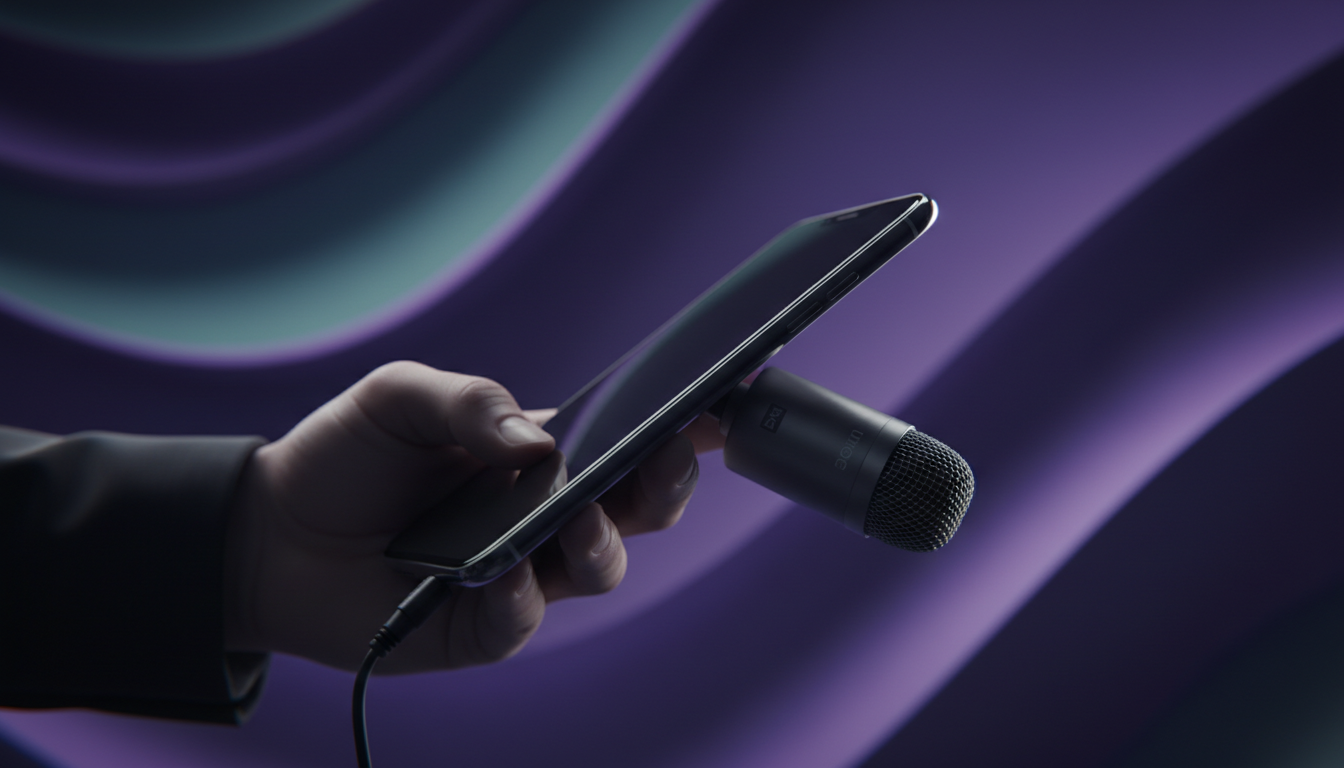
You filmed the perfect walkthrough of a stunning Dubai Marina penthouse. The views are incredible, the lighting is just right, but when you play it back, you hear it: the distracting hum of the AC, the echo from the marble floors, and your voice sounding distant and muffled.
Bad audio is the silent killer of great real estate video content. While viewers might forgive slightly shaky footage, they will instantly click away if they can't hear you clearly. It signals a lack of professionalism and undermines the trust you're trying to build.
The good news? You don't need a professional sound studio or expensive equipment. This guide will show you how to capture crystal-clear audio for all your videos using just the smartphone in your pocket. Whether you're creating a listing tour, an "About Me" video, or a market update, these tips will make you sound as good as you look. For ideas on what to film, check out our guide on how to script and shoot a compelling "About Me" video for Dubai real estate.
Why Audio Quality Matters More Than Video Quality
Think about the last time you watched a video with terrible sound. You probably didn't watch for long. Clear audio isn't just a technical detail; it's a critical part of communication and persuasion.
- Builds Authority and Trust: Crisp, clear audio makes you sound confident and knowledgeable. Muffled, echoey sound does the opposite, creating a subconscious feeling of low quality.
- Increases Watch Time: When viewers can hear you without straining, they stay engaged longer. This signals to platforms like Instagram and YouTube that your content is valuable, boosting its reach.
- Drives Conversion: Every piece of content you create is part of a larger journey to convert a viewer into a client. Good audio ensures your message is heard, moving leads effectively through the real estate video funnel.
The Problem: Your Phone's Built-in Microphone
Your smartphone is a powerful camera, but its microphone has one major flaw for video creation: it's omnidirectional. This means it's designed to pick up sound equally from every direction.
When you're filming a property tour, it captures your voice, but it also captures:
- The hum of the building's chiller or AC unit.
- Wind noise on a balcony.
- Echoes bouncing off hard floors and empty walls.
- Distant traffic or construction noise.
The further your phone is from your mouth, the worse this problem gets. Your voice becomes just another sound in a noisy environment.
The Easiest Fix: An Affordable Lavalier Mic
The single best investment you can make for your video audio is a lavalier microphone (also called a lapel mic). This is a tiny microphone that clips onto your shirt or collar.
Why It Works
A lavalier mic is a game-changer because it's placed just inches from your mouth. This isolates your voice from background noise, resulting in a dramatic improvement in clarity. It's the secret behind why presenters in professional videos always sound so clear, even when they're walking around.
Types of Lav Mics for Phones
- Wired Lavalier Mics: These are incredibly affordable and reliable. They plug directly into your phone's headphone jack or via a simple USB-C or Lightning adapter. A long cable gives you enough room to set your phone on a tripod and still have the mic clipped to your collar.
- Wireless Lavalier Mics: These offer complete freedom of movement, perfect for dynamic property tours where you're walking from room to room. They consist of a small transmitter pack you clip to your belt and a receiver that plugs into your phone. Prices have dropped significantly, making them accessible for most agents.
Pro Tip: For a professional look, run the microphone wire under your shirt or jacket so only the small mic capsule is visible.
The 'No Mic' Hack: Use Two Phones
Need to record a video right now and don't have an external mic? No problem. You can get surprisingly good results using a second smartphone.
The Technique
- Phone A (Video): Set this phone up to record your video as you normally would.
- Phone B (Audio): Open the "Voice Memos" or a similar voice recording app on this phone.
- Positioning: Hold Phone B like a reporter's microphone, just out of the camera frame, or place it in your shirt pocket with the top microphone pointing toward your mouth.
- The Sync Clap: Hit record on both devices. Stand in front of the camera and clap your hands loudly one time. This creates a sharp visual and audio spike that you'll use to sync the files.
- Editing: In a video editing app, you'll have two audio tracks: the bad one from your video camera (Phone A) and the good one from your voice recorder (Phone B). Simply mute the bad audio and align the "clap" from the good audio track with the visual of your hands clapping.
This method takes a bit of extra effort in post-production, but it's a lifesaver when you're in a pinch. It also highlights the manual work involved in the fastest video editing workflow for real estate agents.
Location, Location, Location: Control Your Environment
Even the best microphone can't completely eliminate a terrible recording environment. Before you hit record, take a moment to "listen" to the room.
- Tame the Echo: Large, empty apartments with marble floors and floor-to-ceiling windows are an audio nightmare. Record in rooms with soft furnishings like carpets, curtains, sofas, and beds. These surfaces absorb sound and reduce echo. If a property is vacant, try to do your talking segments in a smaller room or even a walk-in closet. For practical filming tips in these spaces, see our guide on how to film a high-rise apartment in Dubai.
- Silence the Noise: Turn off all air conditioning units. The low-frequency hum is often much more noticeable on a recording. Close windows and balcony doors to block out traffic, construction, and wind.
- Time Your Shoot: If you're near a busy road, avoid recording during rush hour. Listen for predictable noises (like flight paths) and plan around them.
From Good to Great: Let AI Do the Final Polish
Getting clean audio is a huge step. But what if you could make it sound like it was recorded in a professional studio with a single click?
That's where the final piece of the puzzle comes in. Modern AI tools can automatically remove background noise, reduce echo, and balance the levels of your voice to give it a rich, professional quality.
This used to require complex software and technical skills, but now it can be part of an automated workflow. Juggling mics, syncing audio, and running files through enhancement tools is time-consuming. It's time that could be spent talking to clients.
What if you could skip the manual work entirely? AutoCastStudio takes your raw phone footage and automatically enhances the audio, adds your branding, generates dynamic captions, and delivers a polished video ready for social media. It's the power of an entire production team, driven by AI. You focus on filming great content; we'll handle the rest. This is how to create a full week of real estate video content in under an hour.
Ready to stop worrying about audio and start creating content that converts? Sign up for AutoCastStudio and get started for free.
Ready to ship your next video?
Start a guided production in AutoCastStudio — script, cast, set, and render in one flow.
Start free